




Estimate shipping
Payment & Security
Your payment information is processed securely. We do not store credit card details nor have access to your credit card information.
Description
See How to Get Started
E20 Electric Unicycle - 14 Inch Self-Balancing Electric One Wheel Portable EUC for Commuting & Entertainment
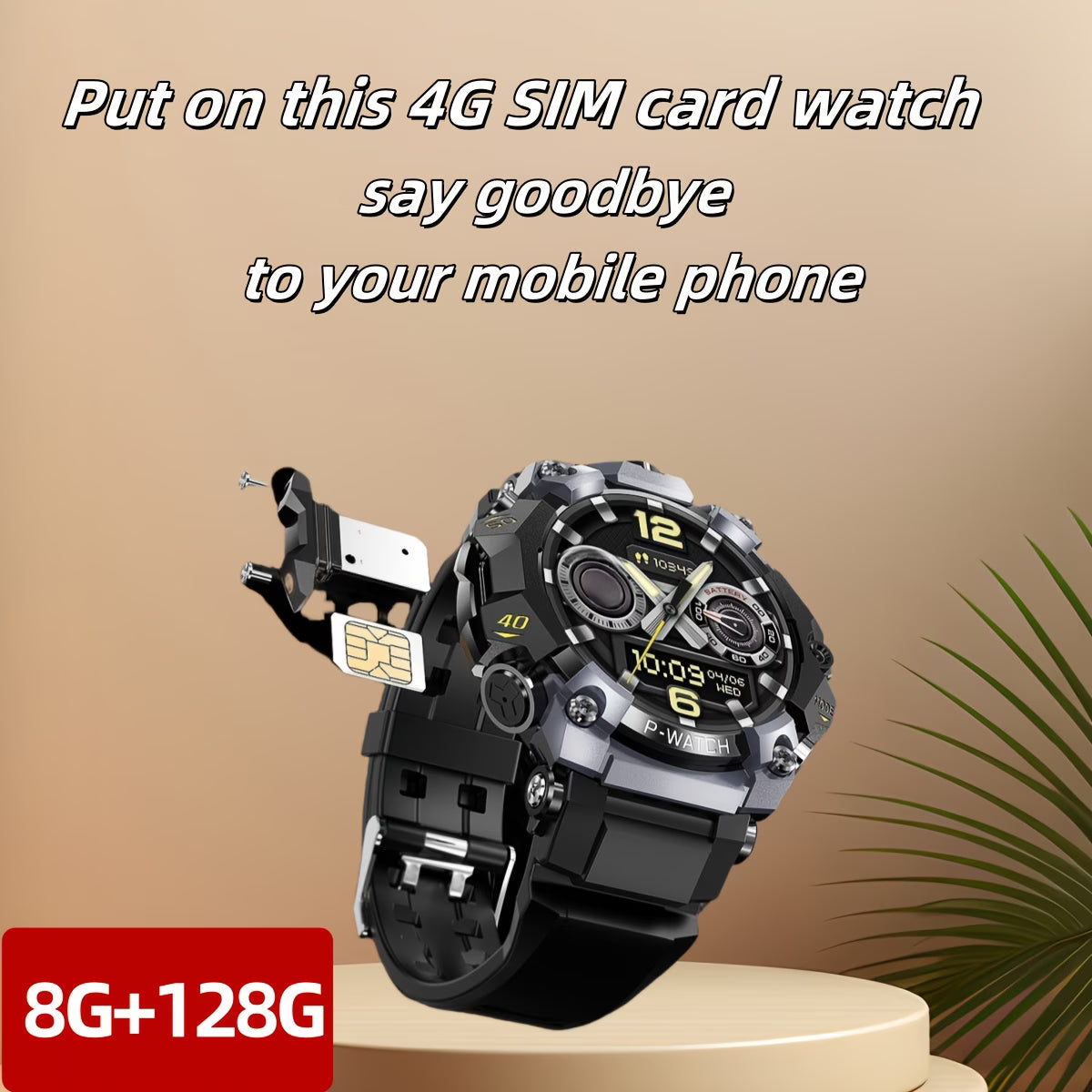
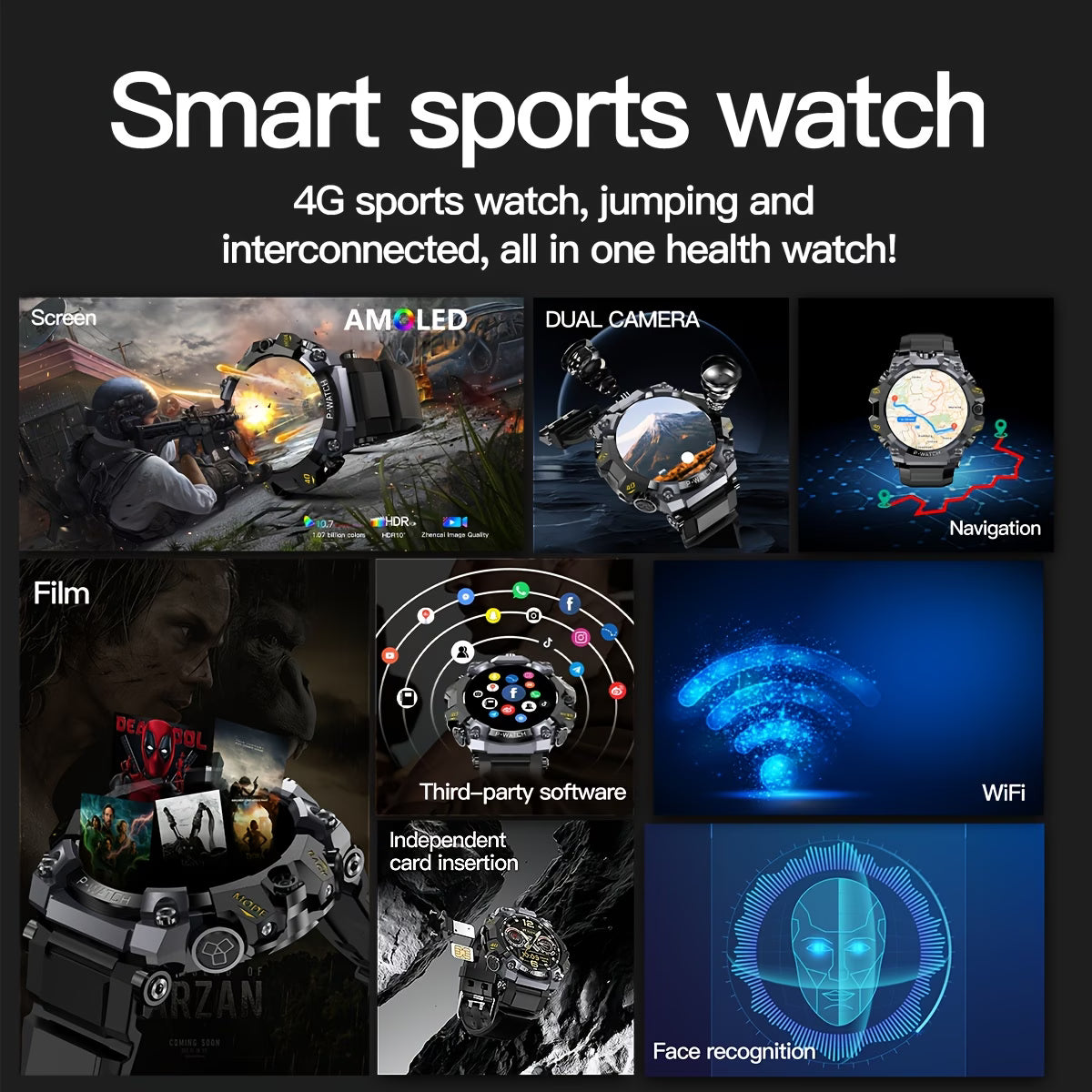
MP4 Video- If You need Connect the Watch to You Moble Phone,Please Download a APP to your phone. APP Name: HiSportProAPP Connection Steps:Step1: turn on the Bluetooth of the watch and mobile phone;Step2: Download bletools from the watch's app market, scan and download the APP: HiSportPro on the phone. Open the bluetooth service in the bluetooth assistant, and then scan the QR code on the watch in the app for binding;
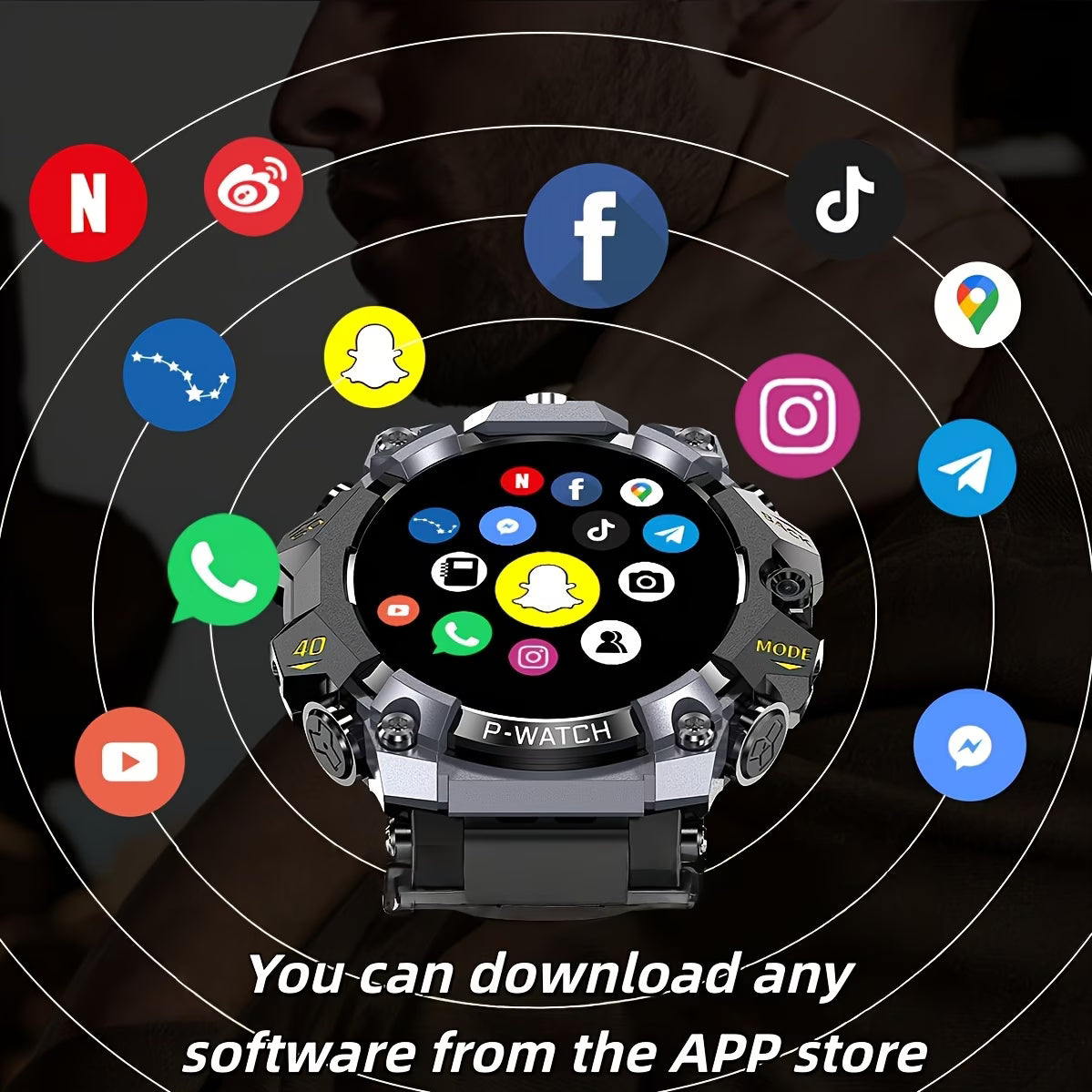
- Step3:To achieve the information on the mobile phone pushed to the watch, to reach the purpose of synchronizing the information of the mobile phone and the watch, so that you can receive the information reminder on the mobile phone through the watch!Heartrate,weather,application market,OTA online upgrade,inputmethod
- If You need Connect the Watch to You Moble Phone,Please Download a APP to your phone. APP Name: HiSportProAPP Connection Steps:Step1: turn on the Bluetooth of the watch and mobile phone;Step2: Download bletools from the watch's app market, scan and download the APP: HiSportPro on the phone. Open the bluetooth service in the bluetooth assistant, and then scan the QR code on the watch in the app for binding;
- Step3:To achieve the information on the mobile phone pushed to the watch, to reach the purpose of synchronizing the information of the mobile phone and the watch, so that you can receive the information reminder on the mobile phone through the watch!Heartrate,weather,application market,OTA online upgrade,inputmethod


